Following and notifications
Following tells Compass "let me know when this changes". When you follow an Opportunity, Solution, Task or Doc, its status changes and comments appear in your notifications inbox, so you do not have to keep revisiting the page. Following is available when your environment has turned it on.
Following is personal. It never changes what other people see, and it is separate from Updates, which is a per-workspace catch-up digest rather than a per-object subscription.
What you get notified about
| Event | You are told |
|---|---|
| A status changes on something you follow | "Ada changed status from Todo to Done" |
| A comment is added | "Ada commented" |
| Someone replies in a comment thread | "Ada replied to a comment" |
| A Task is assigned to you | "Ada assigned this to you" |
Only status changes and comments notify. Editing a title, description or other field does not. Docs have no status, so a Doc notifies on comments only. You are never notified about your own actions.
You follow automatically when you…
- create an Opportunity, Solution, Task or Doc,
- comment on one, or
- are assigned a Task.
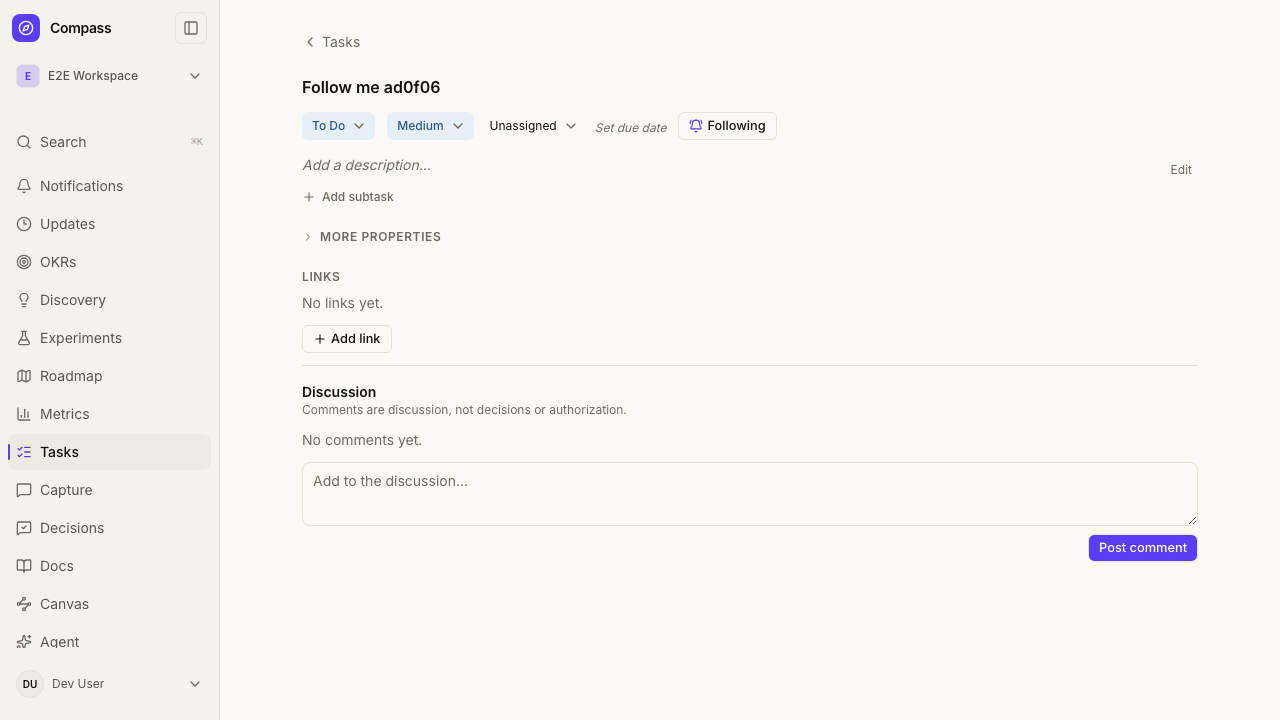
You can also press Follow on any of these detail views, in the side panel or on the full page. The button reads Following once you are subscribed; pressing it again unfollows.
Unfollowing is remembered. If you unfollow something, commenting on it or being assigned it later will not quietly follow it again. Only pressing Follow yourself turns it back on.
Following an Opportunity does not cover its Solutions, and following a Solution does not cover its Assumptions or Experiments. Follow each thing you care about.
The bell and the inbox
The Notifications entry in the navigation shows how many notifications you have not read (up to 99+). On a phone it is the Inbox button in the header. The count refreshes when you move around the app and when you return to the tab.
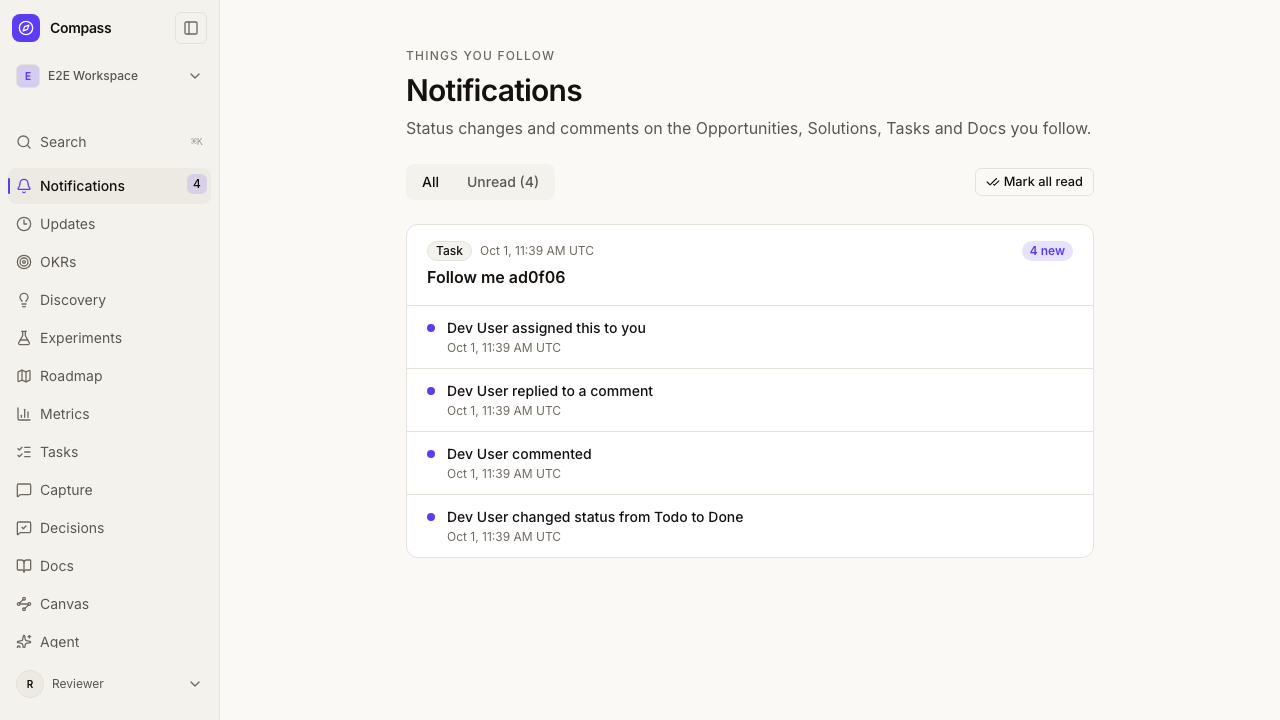
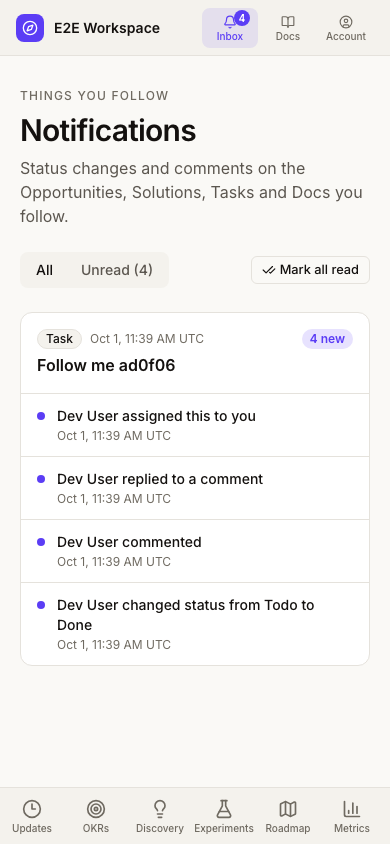
Open it to see your notifications grouped by item, newest first. Following the link to an item marks its notifications read, and Mark all read clears the rest. Use Unread to filter, and Older notifications to page back.
If an item has been deleted, or you can no longer see it, its notifications show as "No longer available" instead of a title. Notifications are per workspace, and you only see them while you are a member of that workspace.
What is not included yet
Email, mentions, digests and a cross-workspace inbox are not part of this first version. Experiments, Roadmap items, Assumptions, Objectives and Key Results, Feedback, Decisions, Metrics and Research studies will become followable in a later release.
MCP
The follow, unfollow, list_notifications and mark_read tools work on your
own follows and inbox. Agent-scoped tokens are refused. See
MCP API.