Identity and Access
When an AI assistant reads or changes your Compass data, it acts as a specific identity. That identity — not the app the assistant runs in — determines everything it is allowed to do.
This page explains the credential types, how to choose between them, and what no assistant can do regardless of which one it holds.
Your profile and comment name
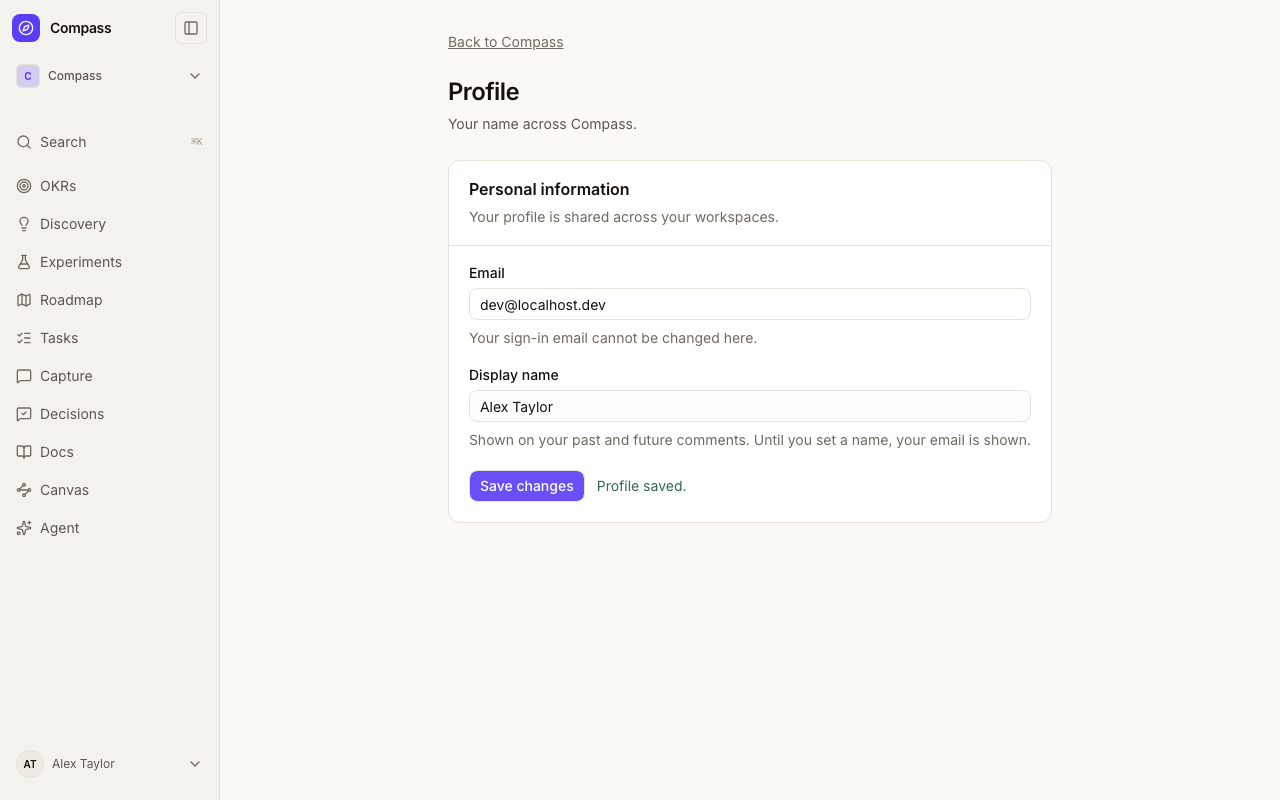
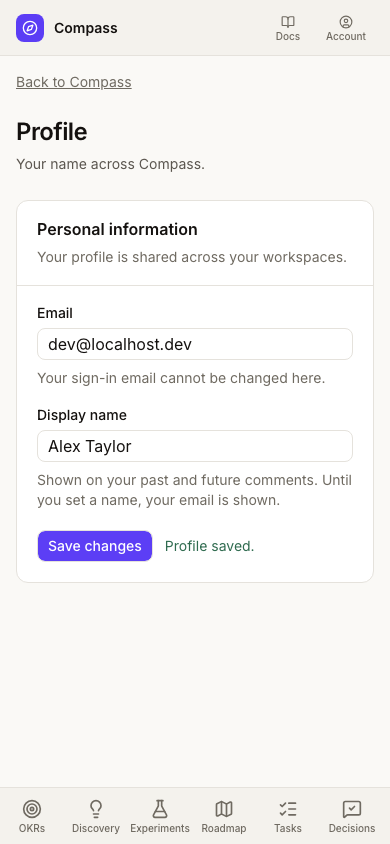
Open your account menu and choose Profile to set a display name. Names are shared across your workspaces and must contain 1–120 characters. Your sign-in email is shown read-only on this page.
Your current profile name appears on past and future discussion comments and inline Doc comments. Until you set a name, your email is shown to workspace members. Renaming your profile does not edit comment content or timestamps. Agent comments keep their agent attribution; historical entries without a linked account keep their original author label.
The client does not matter
Compass authorizes a request by looking at one thing: the API key in the request. It does not know or care which tool sent it.
The same key used from a desktop AI client, an editor extension, a terminal command, or an unattended scheduled job produces identical access. There is no "interactive mode" that relaxes a restriction, and no client that earns extra trust by being one you are sitting in front of.
This has a practical consequence worth internalizing:
If you paste a credential into an automation, that automation permanently has everything that credential can do — including at 3am with nobody watching.
So the question is never "is a human driving this?" The question is "which credential did I give it?" Choose accordingly.
The credential types
| Credential | Acts as | Can reach | Can administer |
|---|---|---|---|
| Personal API key | You | Every workspace you're a member of | Yes — full admin, wherever you are an admin |
| Agent key | Your registered agent | Only workspaces explicitly granted to that agent | No |
| In-app assistant | You, for one turn | The single workspace you opened it in | No |
| Participant research link | A study participant | The interview session only — no MCP tools | No |
| Service key | The deployment itself | Everything | Yes |
Personal API key
Generated from Settings → API Keys. This is your own identity extended to an outside tool. It carries your full access: every workspace you belong to, with every permission you hold there, including administrative ones.
A personal key is not limited to the workspace you generated it from, and it does not expire on its own. It is valid until you revoke it.
Use one when you are the operator — a personal scratch script, a client where you want your own name on the changes.
Agent key
Generated for a registered agent under My agents. See Agents for the full registration and grant workflow.
An agent key is deliberately weaker than your personal key. Its reach is the overlap of two things:
- the workspaces you are currently a member of, and
- the workspaces an administrator has explicitly granted that agent, at
ReadorWrite.
Lose membership in a workspace and the agent loses it too. Remove the grant and the agent loses access while your own is untouched.
In-app assistant
The assistant inside Compass mints a fresh credential for each turn, locked to the one workspace you opened it in, expiring after a few minutes, and revoked as soon as the turn ends. There is nothing for you to configure, copy, or store.
Participant research link
Issued per research study, scoped to that study's workspace, and short-lived. It exists to run the interview session itself — it cannot call MCP tools at all, so it can neither read nor change your product data.
Research and participant-link tools also cannot be called by agent keys or the in-app assistant. Managing studies and issuing links requires a human or service credential.
Service key
A deployment-level credential configured by whoever operates the Compass install. It bypasses membership checks entirely and can reach every organization. It exists for server-to-server automation, is not issued to individuals, and should never be pasted into an AI client.
Choosing between a personal key and an agent key
It is tempting to read this as an attribution preference — an agent key just puts a nicer name on the changes. It is more than that. It is the difference between handing over your whole account and handing over a bounded subset.
Prefer an agent key whenever an AI assistant is doing the calling:
- Least privilege. It reaches only granted workspaces, not everything you can see.
- No administrative power. It cannot change who has access to anything.
- Independent revocation. Suspend the agent or revoke one workspace grant without rotating your own key or interrupting your own work.
- Honest attribution. Its actions are recorded as the agent's, not as yours — so the activity log stays truthful about what a human decided.
Reserve a personal key for cases where you are genuinely the operator and need your own full access.
What no assistant can do
Every Compass tool is explicitly classified as readable, writable, or forbidden for agents, and anything unclassified is denied. A new tool is therefore closed to assistants until someone deliberately opens it. These limits are enforced by the server, not merely discouraged by instructions, so no prompt or misconfiguration reopens them.
Closed to every non-human credential — agent keys and the in-app assistant alike:
- Administration. Adding or changing workspace and organization members,
creating or revoking API keys and grants, and organization-level settings.
These return an explicit
Human administrator required.error. - Approvals. Approving or rejecting a solution plan, requesting release authorization, or applying a recorded decision. An assistant may request a decision and prepare the evidence; a person makes the call.
- Creating workspaces.
- Scoring model configuration — creating, updating, archiving, or changing which model a workspace uses.
- Research studies and participant links — managing studies or issuing, rotating, and revoking interview links.
- Editing existing comments. An assistant may add a comment or append a correction, but cannot rewrite one already written — that would let it alter text attributed to a person.
Assistants can do ordinary discovery and delivery work: creating and updating
opportunities, solutions, assumptions, experiments, roadmap items, tasks,
feedback, docs, and evidence — subject to holding Write on that workspace.
Attribution and audit
Agent activity is recorded per tool call: which agent, which owner, which credential, which tool, and which workspace. Review it from the agent's activity view.
Two things to keep in mind when reading it:
- A recorded success means Compass accepted and processed the request — not that the underlying task is finished or correct.
- An operation that started without a recorded result has an unknown outcome. Check the affected data before retrying.
Activity is scoped to what you can already see, and never includes raw tool arguments or key secrets.
Revoking access
Pick the narrowest action that solves the problem:
| Situation | Do this |
|---|---|
| An agent should lose one workspace | Revoke that workspace grant |
| An agent is misbehaving everywhere | Suspend the agent |
| A key may be exposed | Revoke the key and generate a replacement |
| A person leaves the workspace | Remove the member — their agents' grants go with them |
To rotate without downtime, generate the replacement key first, update your client, then revoke the old one. Rotation does not change the agent's identity, its grants, or its task assignments.
Checking what you're connected as
Call get_current_identity from any MCP client. It reports the authenticated
identity and every workspace that credential can currently reach — the fastest
way to confirm you connected with the credential you intended.