OKRs
OKRs (Objectives and Key Results) are the starting point for discovery in Compass. Before you can connect opportunities and solutions to outcomes, you need at least one active OKR cycle with a defined Objective and Key Results.
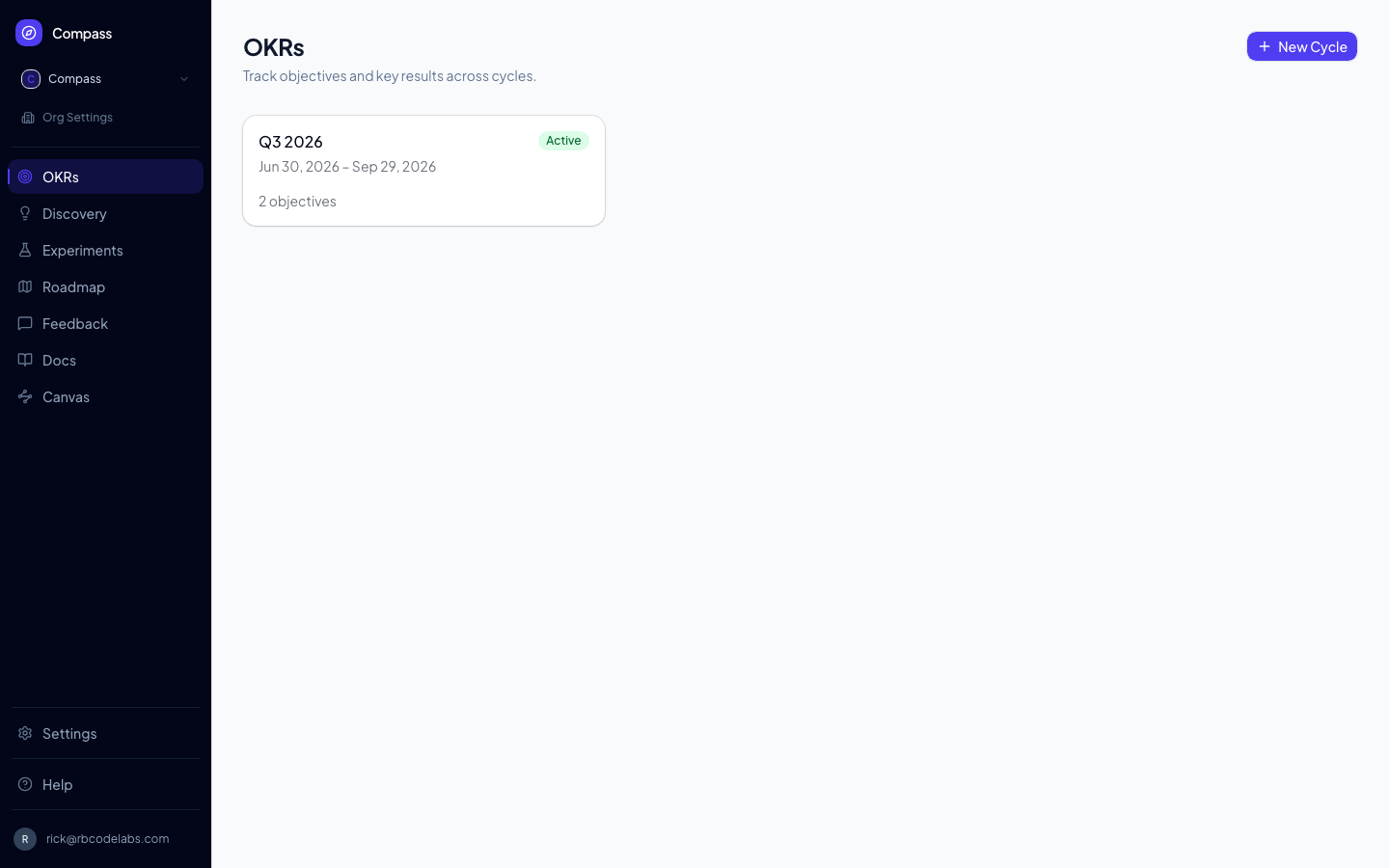
📸 Screenshot: run
pnpm docs:screenshotswith aDOCS_SESSION_FILEto capture this image.
Different words in your workspace? A workspace admin can switch the thinking model in Settings. Under Torres an Objective is called an Outcome and a Key Result a Success metric, the sidebar entry reads Outcomes, and a flat list of all outcomes appears above the cycles. Admins can also rename the other entities, including Cycle. See Thinking models.
OKR Cycles
Every workspace has one or more OKR cycles — time-boxed periods (typically a quarter) during which you track progress toward your objectives. A cycle has a name (e.g. "Q3 2025") and optional start and end dates. You can have multiple cycles open at once, which is useful when teams operate on different cadences.
To create a new cycle, click + New Cycle at the top of the OKRs page.
Objectives
An Objective is a qualitative, inspiring statement of what you want to achieve. It should be directional but not measurable — the Key Results handle measurement. An Objective usually belongs to a cycle, but the cycle is optional: an Objective that is not tied to a planning period (a persistent, cross-cycle goal) can exist with no cycle.
Click + Add Objective inside a cycle to create one. Objectives with no cycle live in the No cycle / Persistent card on the OKRs page, which opens a page (/okrs/none) with the same list and + Add Objective form; on a new workspace with no cycles yet, the empty state offers Or add an Objective with no cycle. Cycle-less Objectives and their Key Results work everywhere else too: they appear on Canvas and in card sorts, can be linked to Opportunities, and agents create them with create_objective by leaving out cycleId. On workspaces that use the Torres thinking model, cycles are subdued: the list of Outcomes shows cycle-less ones directly, so there is no No cycle / Persistent card (see Thinking models). Objectives can be assigned to a squad and tagged with custom fields.
To scan many Objectives at once, collapse them. Each Objective card has a chevron beside its title that hides or shows its Key Results; a collapsed card shows how many Key Results it holds (for example, "3 key results"). When a cycle has more than one Objective, a Collapse all / Expand all control above the list does every card in one click. Cards start expanded, and the state is not saved — it resets when you reload the page.
Key Results
Key Results are the measurable outcomes that tell you whether you've hit your Objective. Each KR has:
- Name — A short description (e.g. "Increase weekly active users")
- Target value — The number you're aiming for (e.g.
10000) - Unit — The unit of measurement (e.g.
users,%,$,ms) - Current value — Updated via check-ins
A well-formed Key Result is binary-testable at the end of the cycle: either you hit the target or you didn't.
Moving a Key Result to another Objective
Open the Key Result's detail panel and, in its Objective section, click Move to another objective…. Pick the new Objective from the searchable list (Objectives in the same cycle come first). The Key Result lands at the end of the new Objective's list, and any Opportunities it drives follow it to the new Objective.
The list only offers Objectives in the same workspace that are not in a closed cycle. Compass also leaves out an Objective that sits below the Key Result in the hierarchy (that would create a loop), and any Objective whose cycle is no longer longer than, and does not fully contain, the cycles of the Objectives supporting the Key Result. A Key Result that drives more than 400 Opportunities can't be moved in one step. If a move is refused, the reason appears under the link.
Linking annual and quarterly OKRs
Objectives in a shorter cycle can support a Key Result in a longer cycle. This creates a measurable hierarchy without duplicating annual goals inside every quarter:
Annual Objective
└── Annual Key Result
    ├── Q1 Objective
    │   └── Quarterly Key Results
    └── Q2 Objective
        └── Quarterly Key Results
You can create the relationship from either side. Both sides use the row's ⋯ (Card actions) overflow menu, which opens a searchable popover:
- From the quarterly Objective: open the Objective's ⋯ menu and choose Link to parent Key Result…, then pick the higher-level KR from the popover. Once linked, the Objective shows a small Supports chip with the parent KR's name — click the × on the chip to unlink.
- From the annual Key Result: open the Key Result's ⋯ menu and choose Link supporting objective…, then pick an eligible quarterly Objective from the popover. Use the unlink control beside a supporting Objective to remove the relationship.
The link action only appears in the menu when there's actually something eligible to link, so cards stay uncluttered when there's nothing to do.
Compass offers parent Key Results only from Draft or Active longer-horizon cycles whose dates fully contain the shorter cycle. On the annual side, it offers only unlinked Objectives from strictly shorter, fully contained cycles. For example, a January 1–December 31 annual cycle can be the parent of a January 1–March 31 quarterly cycle. An Objective with no cycle has no dates to compare, so the date rule is skipped for it: it can support a Key Result in any Draft or Active cycle, and Key Results on a cycle-less Objective can be supported by Objectives in any cycle. A closed cycle still cannot receive new supporting Objectives. Compass does not create cycles or Objectives automatically.
The quarterly Objective shows its selected parent KR. The annual KR lists every supporting quarterly Objective, including its cycle, squad, and current progress. Existing relationships remain visible after a cycle closes, but closed cycles cannot receive new supporting Objectives.
Compass does not automatically calculate annual KR progress from quarterly KR percentages. Annual and quarterly KRs may use different measures, targets, or weighting, so each KR retains its own check-ins and current value.
Check-ins
Click the + Check-in button on any Key Result to record the current value. Check-ins create a timestamped history so you can track progress over time. The progress ring next to each KR's value reflects the latest check-in relative to the target; an Objective's ring shows the average progress across its Key Results.
Linking OKRs to Discovery
Key Results and Objectives are the bridge between outcomes and work.
- Opportunity → Key Result. When you create an Opportunity on the Discovery board, you can choose its Driving Key Result, the one measure it is expected to move. An opportunity has at most one.
- Opportunity ↔ Objective. An opportunity can also be linked directly to any number of Objectives, to record that you chose to pursue it for them. Choosing a Driving Key Result links the opportunity to that Key Result's Objective automatically. The box for adding other Objectives appears on opportunities in workspaces using the Opportunity-first or Torres model (see Thinking models).
- Solution ↔ Key Result. A solution can be linked to the Key Results it is meant to move; on the Opportunity-first and Torres models the solution's panel has a Linked Key Results box for making them, and the workspace tree and Canvas show them. Agents make the same links with the link tools in the MCP API.
- Roadmap items can also be linked to KRs, so you always have a clear line from "what we decided to build" back to "why we decided to build it."
Deleting a Key Result or an Objective removes the links that point at it.